Subscribe to our newsletter
Be the first to know about the latest solutions
Digital Factory
T15/ Power BI - Tutorial: Create a Gantt report for your Planning Ms Project - Real-time update
Couldn't load pickup availability
Paid Tutorial: An access link will be sent to you after purchase.
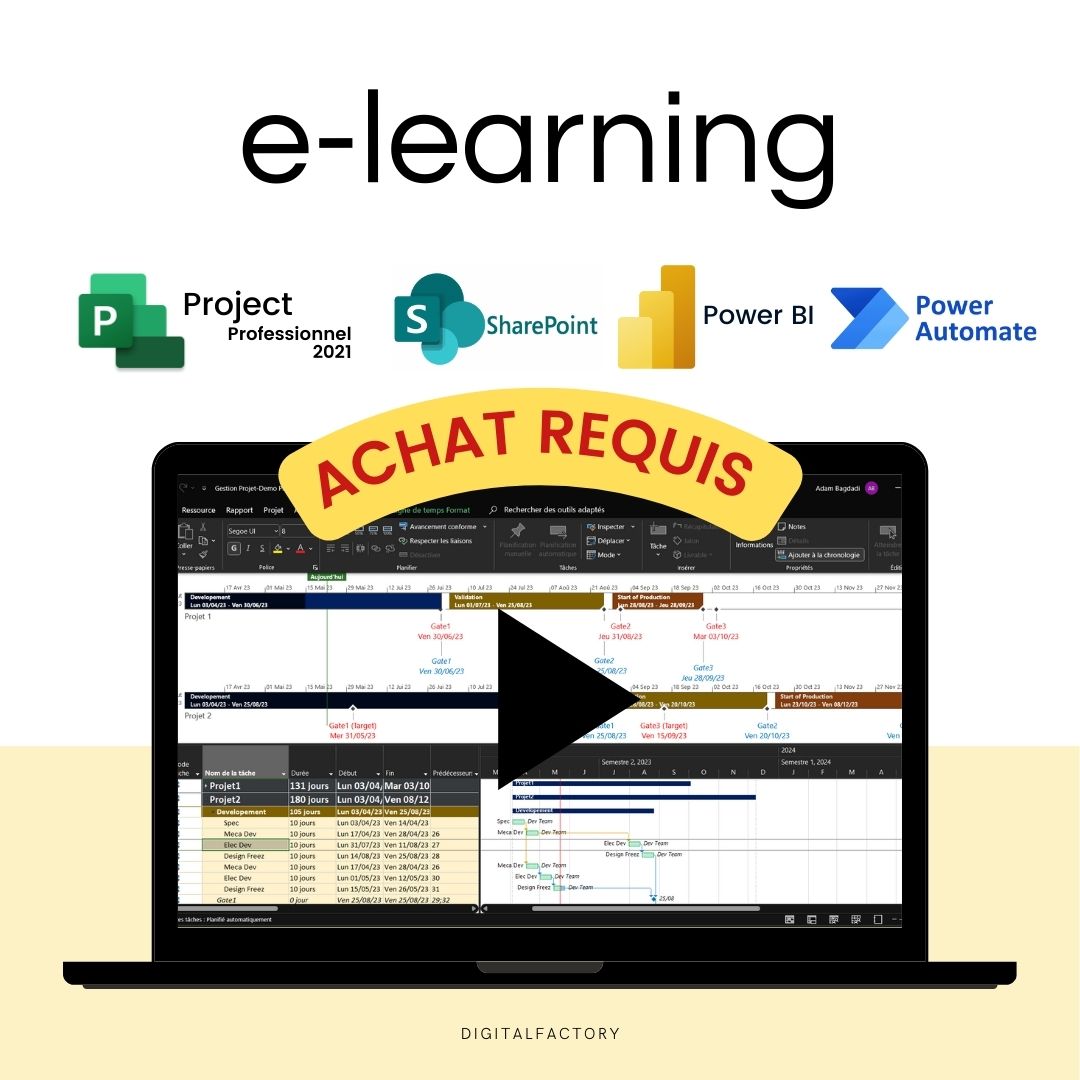
In this Microsoft Power BI tutorial, you will learn how to create a Gantt report for your Ms project planning.
Create advanced reports to track your complex projects in real time.
👉 Discover the full training program
To get started, open your Power BI project and head to the visualization pane , which is usually on the right side of the interface. This pane gives you access to various tools and charts to customize your report.
Click the 3 dots at the top of the pane to open the menu. Select the Get more charts option to access Power BI's library of additional charts. In the search bar, type 'Gantt' and press enter. You will see several Gantt chart options appear.
Select the one that best suits your needs and then click 'add' to embed it into your project. Once the Gantt chart is added to your project, click on it to embed it into your report .
Now it's time to add data to your chart. In the Field pane , select and drag the following fields onto your chart: task name, start date, due date. These fields are usually located in your data source.
Finally, add the 'project' field as a category on your chart. This will group tasks by project providing better visibility and understanding of the progress of each project.
Drag the 'summary' field into the filter pane to filter out non-summary tasks in the Gantt report. Make sure to check 'no' for this filter to include non-summary tasks.
To create a segment, head over to the visualization pane and click on the 'segment' icon . Once you've added this visual to your report, select 'project name' as the segment value. This means that your data will be grouped based on the different project names you have in your database.
Next, go to the preview pane and choose the 'format visual' option . This will allow you to adjust the appearance of your segment so that it is visually appealing and easy to understand.
In the segment format settings , choose 'thumbnail' . This will give your segment a clean and organized appearance with each project clearly defined by its own thumbnail.
Now let's add a segment to filter the resources. The 'Assigned to' column is for resources linked with MS Project. This column is not populated if the resources do not have a Microsoft account as is the case in our project. So, we will create a new resource column and map it to SharePoint to display it in the report.
Go to MS Project and add a text column 'resources' , then record a macro to copy this column, since the formula field cannot be mapped. Remember to run this macro every time you make a change to update this column.
Now, map this column to SharePoint . To do this, go to SharePoint and add this column to the default view .
Then go back to your Power BI report and refresh it to show that column. And voila, the column is now visible!
Now move on to adding the 'Resources' segment. To do this, add a segment on the report and change the style setting to 'Thumbnail' .
Now test your report to make sure everything works as expected. And there you have it, your Gantt report is ready!
Thanks for following along with us in this tutorial. Stay tuned for more Power BI tips and tricks!
Share
- Access your product in 30 seconds: steps 👇
- Title
- Title

FAQs
How will I receive links to the videos?
Links to the videos will be sent to the email address you used to place your order. Be sure to check your inbox and spam folder.
Will I have unlimited access to videos?
Yes, you will have unlimited access to videos for life. You can watch them as many times as necessary to fully assimilate the content.
Are the videos downloadable?
No, the videos are not downloadable. They are only accessible online via the links provided after ordering.
Can I share video links with others?
No, video links are strictly personal and should not be shared. They are intended solely for the use of the buyer.
Is there support available if I have questions about the content of the videos?
Yes, if you have any questions about the content of the videos, you can contact us at [hello@digitalfactory.store]. We would be delighted to help you.
les étapes sont faciles à suivre, même pour les débutants !
Merci !
Subscription offers
Subscription - Access to Excel, Power BI and Ms project tutorials and models
Corporate Pack
- No renewal constraints
- Full access to all tutorials:
- MS Project: Planning, Resources
- Power BI: Data Preparation, Dashboards
- Power Automate: Workflow Automation
- Full access to all models:
- Project management, Operational efficiency, Lean,...
- Premium Dashboards Included
- Unlimited downloads
- Personal space included
- 30 minute support included
Monthly Subscription
- Full access to all tutorials:
- MS Project: Planning, Resources
- Power BI: Data Preparation, Dashboards
- Power Automate: Workflow Automation
- Full access to all models:
- Project management, Operational efficiency, Lean,...
- Premium Dashboards Included
- Unlimited downloads
- Personal space included
- 30 minute support included
Annual Subscription
- All the advantages of the monthly
- Save 36% compared to monthly
- Priority consultation with an expert
- Updates and new models every week
Recommendations
-
J8/ Model — Calculation and monitoring of OEE Excel 2025 ...
4.94 / 5.0
(32) 32 total reviews
Regular price From €159,00Regular priceUnit price / per€279,00Sale price From €159,00Sale -
J9/ Budget and Deliverables Tracking Template for Business
3.67 / 5.0
(6) 6 total reviews
Regular price From €59,00Regular priceUnit price / per€249,00Sale price From €59,00Sale -
J28/ Power Bi Project Management Template to download
4.0 / 5.0
(8) 8 total reviews
Regular price From €0,00Regular priceUnit price / perSale price From €0,00 -
J27/ MS Project Gantt Planning Template to download
Regular price From €69,00Regular priceUnit price / perSale price From €69,00 -
J10/ Project Management Excel Model for project managers
4.82 / 5.0
(11) 11 total reviews
Regular price From €49,00Regular priceUnit price / per€219,00Sale price From €49,00Sale -
J30/ Power BI Model - Risk Analysis (Amdec)
Regular price From €0,00Regular priceUnit price / perSale price From €0,00 -
J7/ Model — Example FMEA Excel Process - Dashboard - RPN ...
4.44 / 5.0
(9) 9 total reviews
Regular price From €59,00Regular priceUnit price / perSale price From €59,00 -
C1/ ebook: White Paper - From vision to action, the futur...
5.0 / 5.0
(4) 4 total reviews
Regular price €39,00Regular priceUnit price / perSale price €39,00 -
A2/ Advanced OEE Excel Template - Powerful Manufacturing ...
4.87 / 5.0
(23) 23 total reviews
Regular price From €99,00Regular priceUnit price / per€99,00Sale price From €99,00 -
A1/ Template - Budget and project deliverables tracking -...
5.0 / 5.0
(3) 3 total reviews
Regular price From €29,00Regular priceUnit price / per€59,00Sale price From €29,00Sale -
A9/ Model - Project Risk Analysis - Google Sheet/Excel
2.0 / 5.0
(1) 1 total reviews
Regular price €39,00Regular priceUnit price / per€149,00Sale price €39,00Sale -
A3/ Model - Process FMEA - Google Sheet/Excel - Pro
4.0 / 5.0
(1) 1 total reviews
Regular price From €29,00Regular priceUnit price / per€59,00Sale price From €29,00Sale -
A5/ Model - Dasboard KPI Planning MS Project - Excel - Go...
Regular price From €49,00Regular priceUnit price / perSale price From €49,00 -
A5/ Excel FMEA Template - Google Sheet/Excel - Basic
3.67 / 5.0
(3) 3 total reviews
Regular price €0,00Regular priceUnit price / perSale price €0,00 -
C2/ Model — OEE Dashboard - Production Tracking - Excel T...
4.0 / 5.0
(3) 3 total reviews
Regular price From €49,00Regular priceUnit price / per€99,00Sale price From €49,00Sale -
A6/ Template — Machine risk analysis — Google Sheet/Excel
Regular price €499,00Regular priceUnit price / perSale price €499,00 -
A8/ Model — Maintenance instructions - Example User Manua...
Regular price From €39,00Regular priceUnit price / perSale price From €39,00 -
A4/ Model — Suppliers assessment — Google Sheet/Excel
5.0 / 5.0
(1) 1 total reviews
Regular price From €9,00Regular priceUnit price / per€29,00Sale price From €9,00Sale -
J6/ Model — Free Excel Production Monitoring File: Exampl...
3.0 / 5.0
(2) 2 total reviews
Regular price €0,00Regular priceUnit price / perSale price €0,00 -
J11/ PDF — TRS - Definition, calculation, benefits and im...
Regular price €0,00Regular priceUnit price / perSale price €0,00 -
J12/ PDF — Industry 5.0: Definition, technology, advantag...
Regular price €0,00Regular priceUnit price / perSale price €0,00 -
J13/ Maintenance Management Excel Model (CMMS)
5.0 / 5.0
(1) 1 total reviews
Regular price From €99,00Regular priceUnit price / perSale price From €99,00 -
J29/ Power BI Model - TRS (Overall Earnings Ratio) Monito...
5.0 / 5.0
(1) 1 total reviews
Regular price From €0,00Regular priceUnit price / perSale price From €0,00 -
J14/ 5S Excel Model: Checklist, Audit and Control for Ind...
Regular price €0,00Regular priceUnit price / perSale price €0,00 -
J15/ Advanced DMAIC Model for your Lean Six Sigma Project...
Regular price €0,00Regular priceUnit price / perSale price €0,00
Any questions?

Contact form
blog posts
View all-

How to reduce the administrative costs of a com...
Introduction to Business Cost Reduction Reducing business costs is essential to maximizing profitability. Accounting, logistics, human resources: the tasks involved are essential, but also costly and time-consuming. However, it is...
How to reduce the administrative costs of a com...
Introduction to Business Cost Reduction Reducing business costs is essential to maximizing profitability. Accounting, logistics, human resources: the tasks involved are essential, but also costly and time-consuming. However, it is...
-

Improve your project management with the Kanban...
Introduction Businesses are facing unprecedented challenges when it comes to project management. Client expectations are rising, deadlines are shrinking, and project complexity is constantly increasing. Faced with these challenges, traditional...
Improve your project management with the Kanban...
Introduction Businesses are facing unprecedented challenges when it comes to project management. Client expectations are rising, deadlines are shrinking, and project complexity is constantly increasing. Faced with these challenges, traditional...
-
How to boost innovation?
Introduction Innovation is no longer a simple competitive advantage: in a context marked by the constant evolution of technologies and customer expectations, also with the acceleration towards industry 4.0 ,...
1 commentHow to boost innovation?
Introduction Innovation is no longer a simple competitive advantage: in a context marked by the constant evolution of technologies and customer expectations, also with the acceleration towards industry 4.0 ,...
1 comment